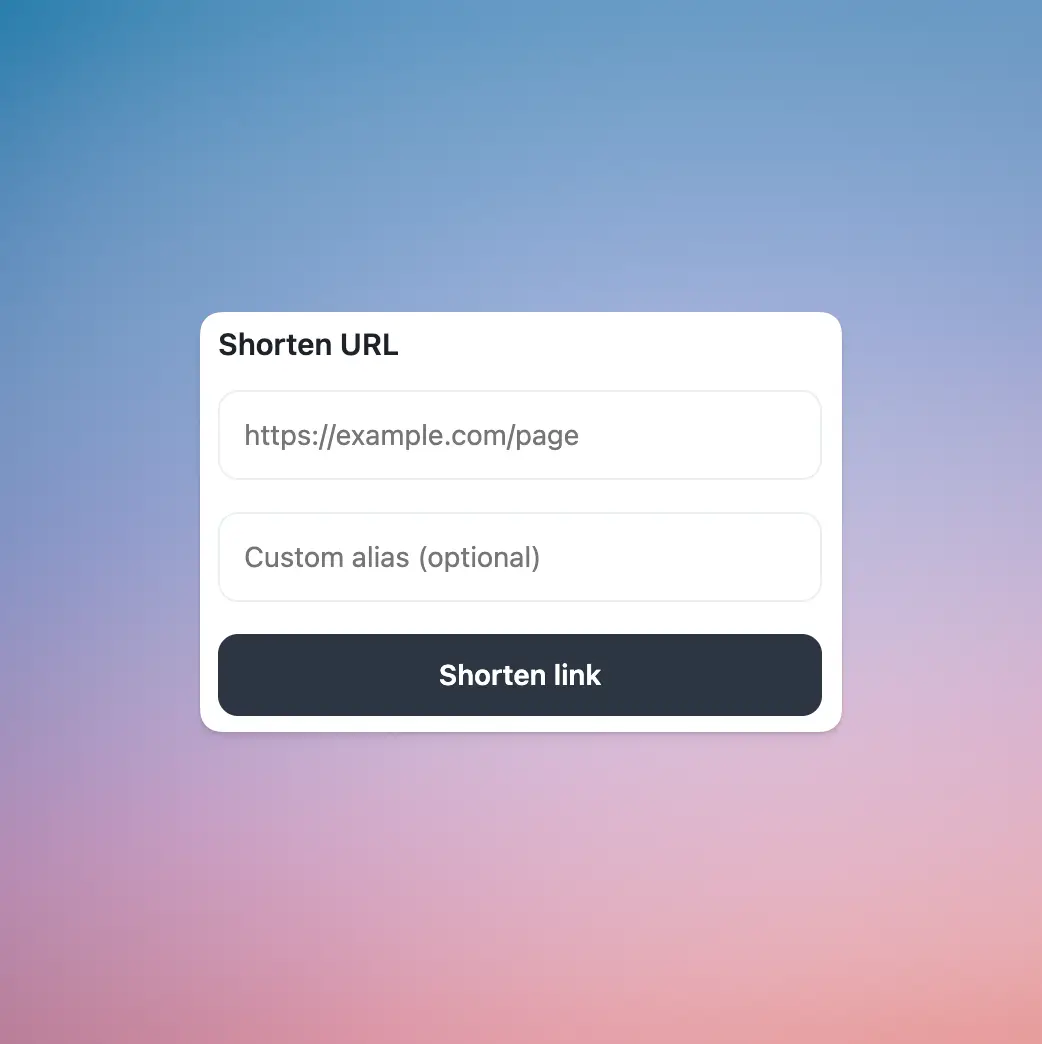
Easy shortening
Paste any URL into the extension popup and shorten it in seconds.
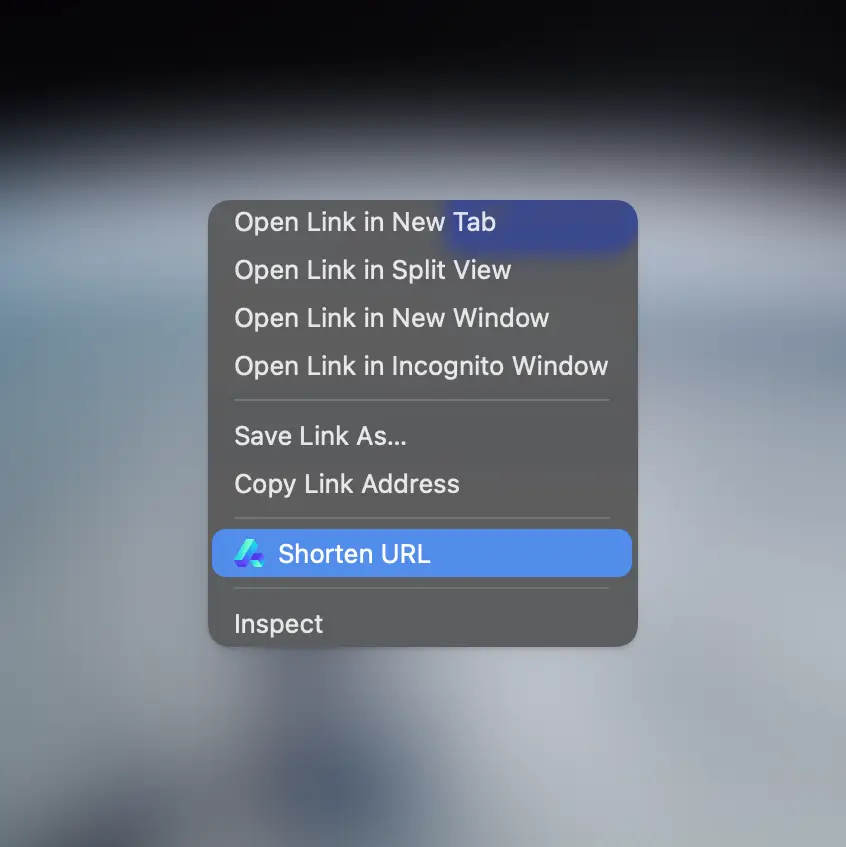
Right-click shortening
Shorten links straight from the context menu without opening the dashboard.
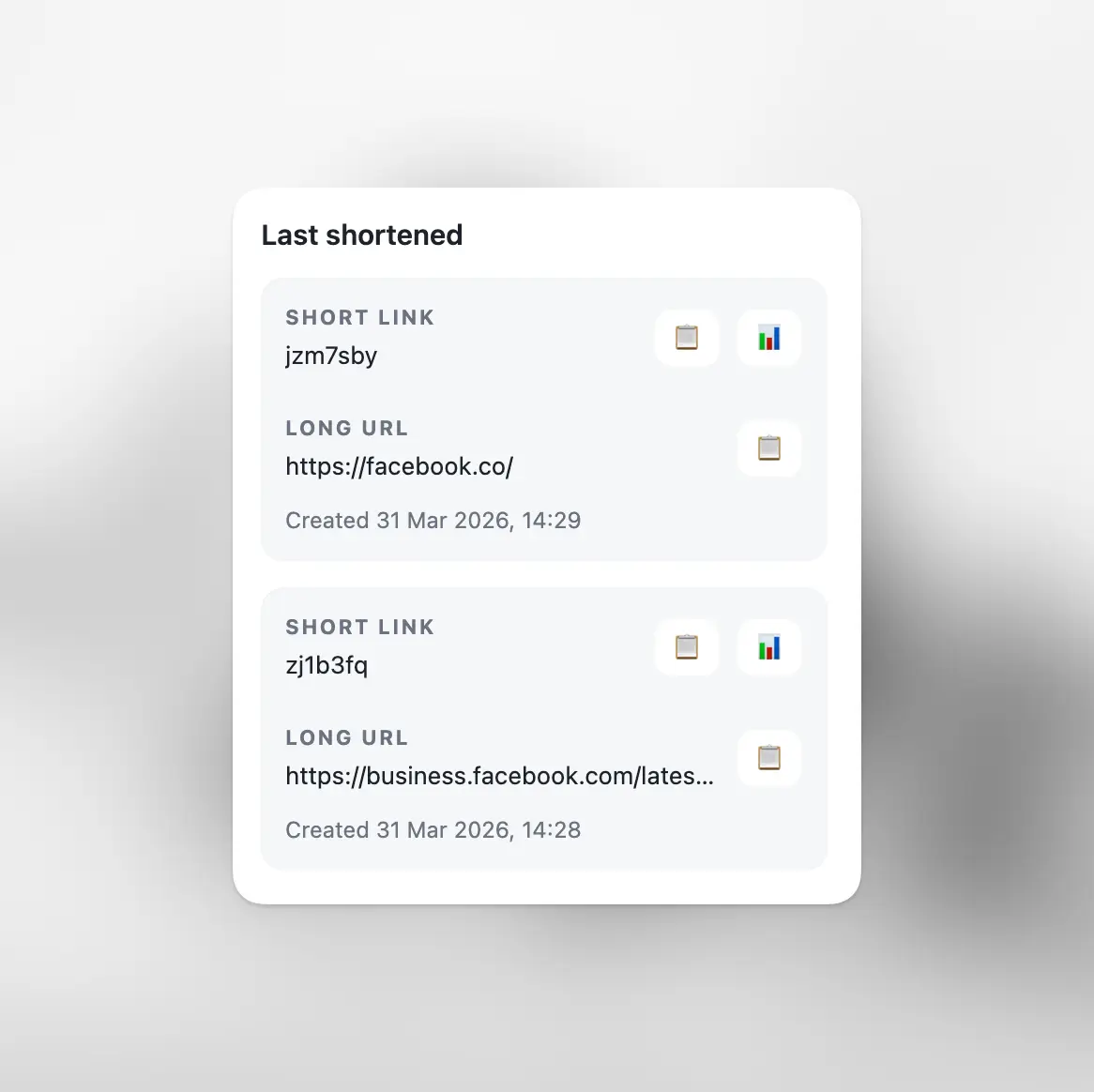
History access
See your most recently shortened URLs and copy them again whenever needed.
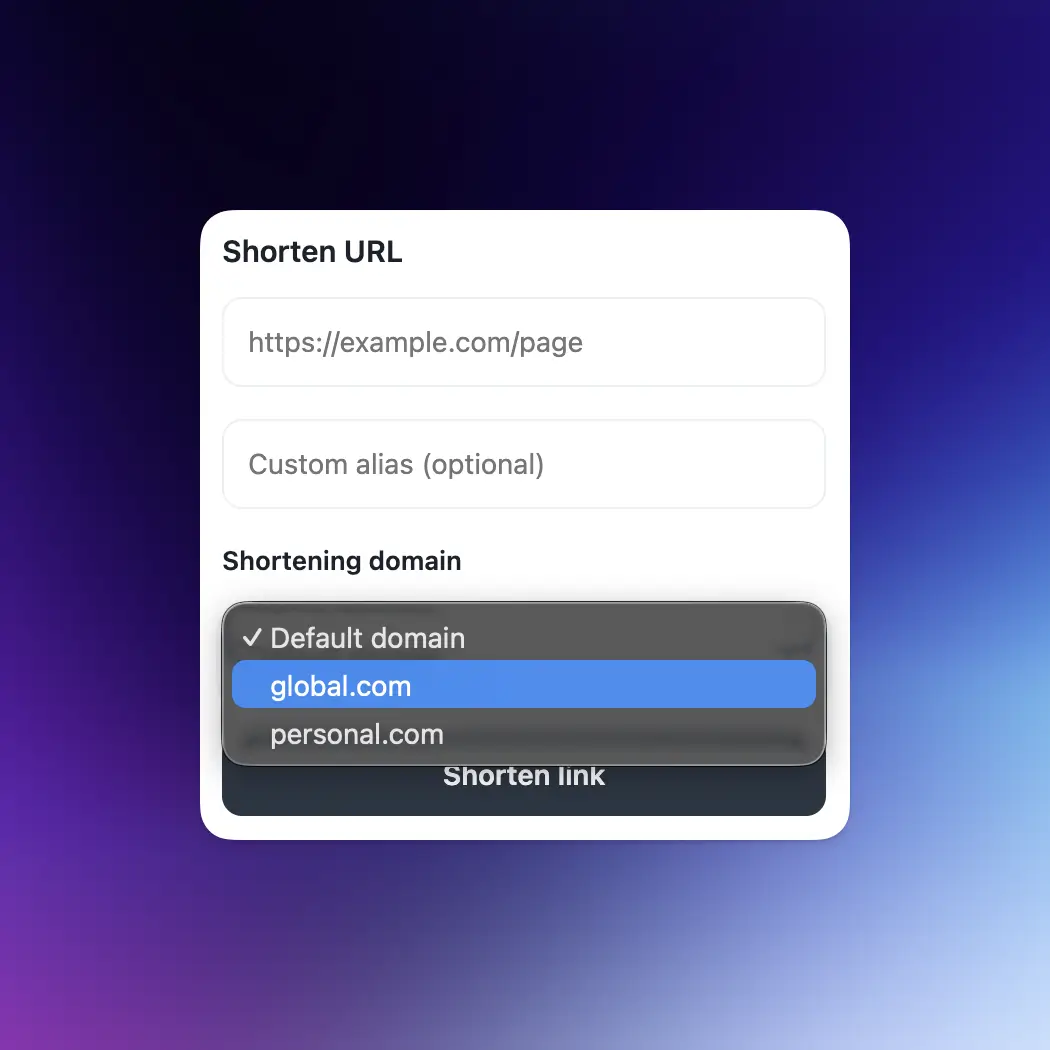
Custom domains
Choose from your available custom domains, right inside the extension.
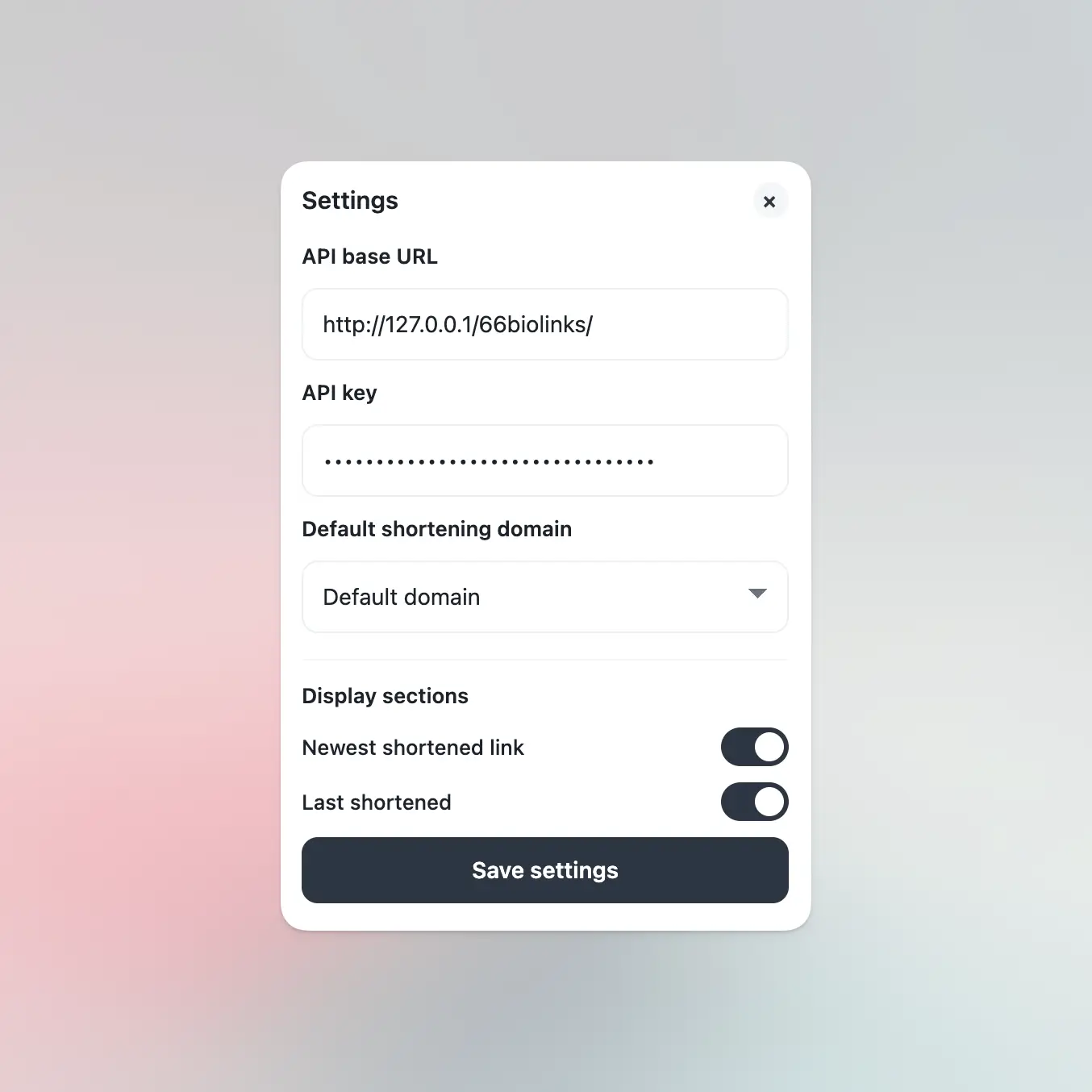
Personalize
Adjust the extension settings to match your workflow.
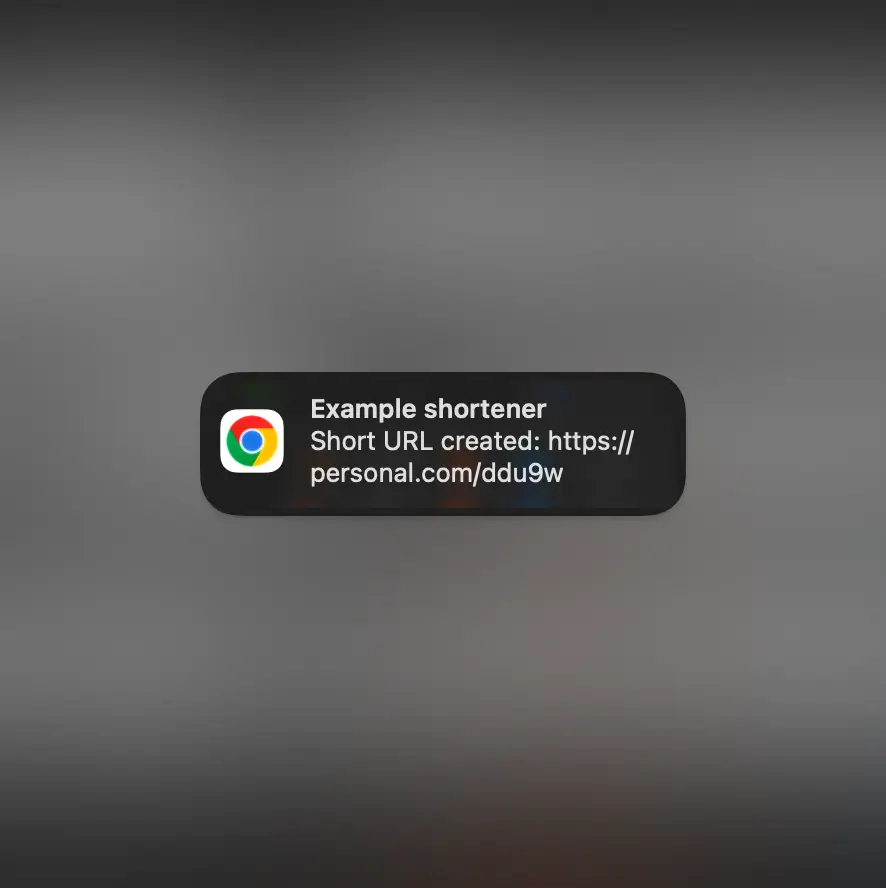
Keyboard shortcut
Shorten the current page instantly by pressing CTRL/CMD + SHIFT + L
Frequently asked questions
Install it from the Chrome Web Store, then pin it to your browser toolbar for quick access.
Yes, you need an account to connect the extension and create short links from your browser.
You can shorten page URLs, selected links, and pasted URLs directly from the extension popup or right-click menu.
Yes, the extension shows your latest shortened URLs so you can quickly copy and reuse them.
Permissions are required so the extension can read the current page URL, use the context menu, and shorten links when you request it.
Yes, the extension is included with your account at no extra cost.
The extension is built for Google Chrome and other Chromium-based browsers that support Chrome extensions.
Yes, links created with the extension are connected to your account and available in your dashboard.